
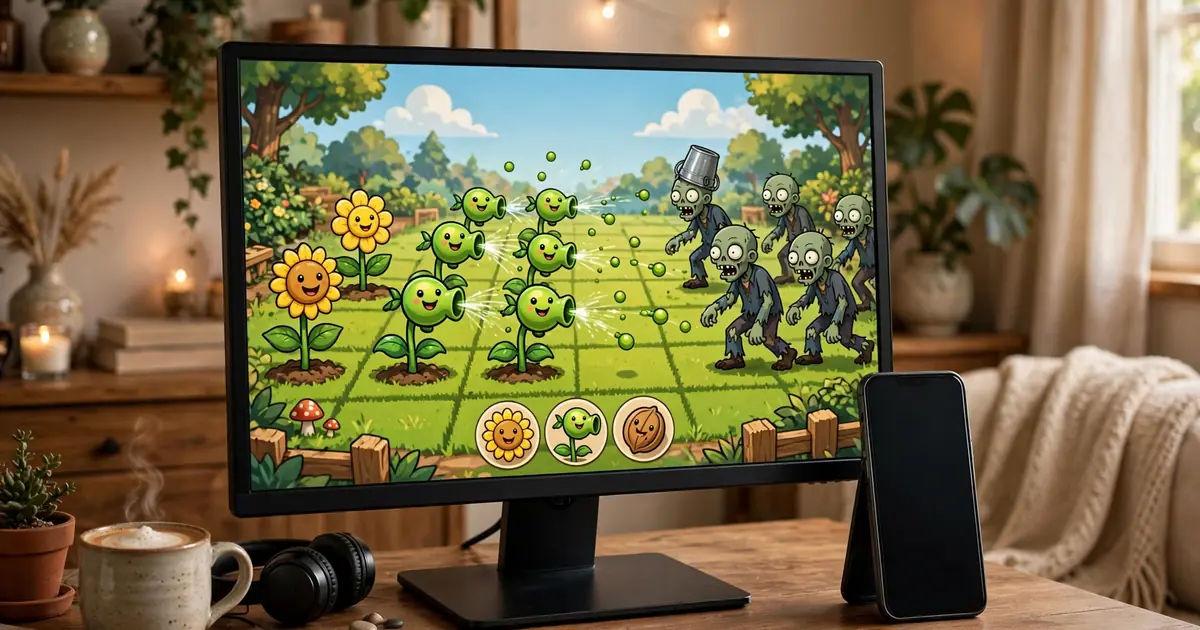
Play PvZ Lawn on PC: Emulator Setup Guide
Prefer a big screen? Two routes run the demo on PC: the developer's native Windows build, or the Android APK inside an emulator. Here is how to do the emulator route well.
Option 1: the native Windows build
The developer ships a Windows version on the official game page. If your goal is just playing on PC, this is the simpler path: download, unzip, run. No emulator overhead, no key mapping.
Option 2: Android emulator
Pick a mainstream emulator, create an Android 9+ virtual device, and drag the APK onto it. Allocate at least 4 GB RAM to the VM and enable hardware virtualization in your BIOS; without it, the Godot runtime stutters. Install exactly as on a phone: our install steps apply inside the emulator too.
Key mapping for lane defense
Map clicks to plant and select; the game is tap-driven, so a mouse works natively. Set the emulator resolution to a phone-like portrait or landscape matching the game, and disable the emulator's own overlays that steal clicks.
Performance notes
The demo is light, but emulators are not. If waves stutter, raise the VM's CPU cores before touching graphics settings. Check your machine against our requirements guide, and remember the game is fully offline, so the emulator needs no network either, as our offline guide explains.